

Every employee question, answered on time
Turn questions about pay, leave, IT and facilities into tickets with a category, priority and owner team, track them from open to closed against your SLA, and answer the common ones once in a knowledge base.
- Owner teams and SLAs
- Four priorities
- Knowledge base

Why it matters
Support your people the way they deserve
Employee questions logged, routed to the right team and resolved on time, with a knowledge base behind them. SLAs escalate what's overdue, and common answers are written once instead of repeated in every inbox.
One place for every question
Requests stop living in chats and inboxes; each becomes a ticket with a clear owner.
Answered on time
Every category has an owner team and an SLA, with escalation when it's breached.
Answered once
Common answers live in the knowledge base, so the same question isn't solved twice.
01Tickets
A clear path from open to closed
Log a ticket with its subject, category, priority and description. It moves from open to in progress to resolved to closed, and can be reopened if the problem comes back.
- Low, medium, high and urgent priorities
- Open, in progress, resolved and closed
- Reopen after close when you allow it
- Managers see the tickets for the people they cover
02Owner teams and SLAs
The right team, on the clock
Give each category an owner team, such as IT, HR, Facilities, Finance or Admin, and an SLA in hours. Auto-assign tickets to the owner team, set a default SLA and escalate when it's breached.
- Owner team and SLA hours for every category
- Auto-assign to the owner team
- Default SLA of 8, 24, 48 or 72 hours
- Escalate on SLA breach
- 24 h
Payroll
Owner: Finance
- 8 h
IT
Owner: IT
- 48 h
Facilities
Owner: Facilities
- 24 h
HR
Owner: HR
Breached tickets escalate automatically.
03Knowledge base
Answer the common questions once
Write articles for the questions that come up again and again, from how leave is calculated to how to reset a password. Keep them in draft until they're ready, then publish or archive as things change.
- Articles by category: IT, HR, Facilities, Finance, Admin, General
- Draft, active and archived states
- Edit articles as policies change
- Fewer repeat tickets for your teams
Active
2 items
Reading your payslip, line by line
Finance
Connecting to the office VPN
IT
Draft
1 item
Booking a meeting room
Facilities
Set up your HR help desk in minutes.
Free for 24 hours
How it works
From setup to done, step by step
Set it up once with our team. After that, it runs every day on its own.
- 1
Set up categories
Give each category an owner team and an SLA in hours.
- 2
Log the ticket
Subject, category, priority and description, for the employee who needs help.
- 3
Work it through
Start, resolve and close it, or reopen it if needed.
- 4
Capture the answer
Turn common answers into knowledge base articles.
Nexa AI
Ask Nexa what needs attention
Nexa reads the ticket queue for you and points to what's urgent, overdue or stuck.
See how the Nexa agent works“Which urgent tickets are still open?”
1 urgent ticket: "Laptop won't connect to VPN" from Hana Sato, open for 3 hours.
“How many payroll tickets did we resolve this month?”
14 payroll tickets resolved this month, 2 still in progress.
“Close the tickets that were resolved last week.”
9 tickets were resolved last week. Ready to close them once you confirm.
Everything included
Every detail of hr help desk, covered
- Ticket queue
- Every request, with subject, category and description.
- Four priorities
- Low, medium, high and urgent, with a default you choose.
- Clear workflow
- Open, in progress, resolved, closed.
- Reopen
- Bring back a ticket if the problem returns.
- Owner teams
- IT, HR, Facilities, Finance, Admin and your own.
- SLA targets
- Hours per category and a default SLA.
- Escalation
- Escalate when an SLA is breached.
- Auto-assign
- Send tickets straight to the owner team.
- Knowledge base
- Draft, publish and archive articles.
- Permission controlled
- Each screen follows your access rules.
One platform
HR help desk isn't all Nexa People does
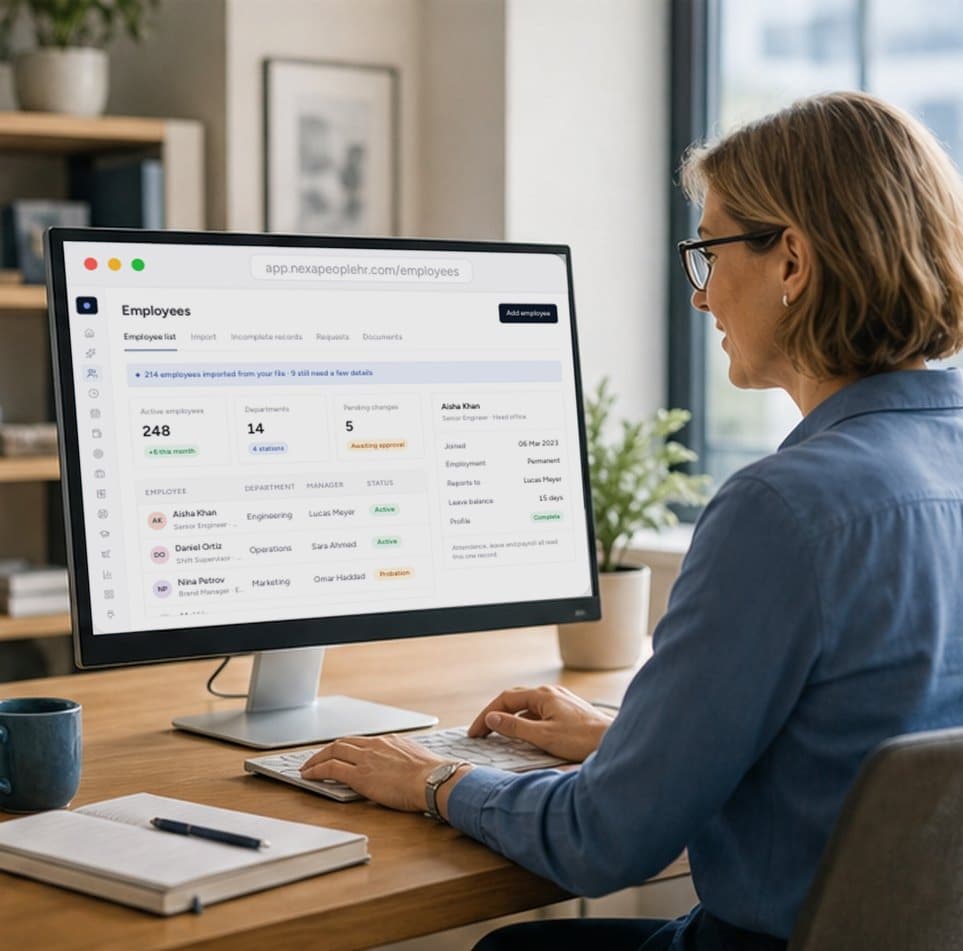
One record for every employee, kept accurate by approved changes and shared by every module.

100 live reports and a management dashboard across people, attendance, leave and payroll.

Configurable payroll that reads approved attendance, leave and overtime, and shows its working on every payslip.
Start free today
Answer every employee question on time
Tickets routed to the right team, SLAs that escalate, and a knowledge base that answers the common questions once. Start free today.
- 01Owner teams and SLAs
- 02Knowledge base
- 03SLAs that escalate
Anything your teams support: payroll, leave, IT, facilities, finance, admin and your own categories, each with its own owner team.
Each ticket has a priority of low, medium, high or urgent, and you choose the default.
Yes. Each category has an SLA in hours, you set a default SLA of 8, 24, 48 or 72 hours, and tickets can escalate when the SLA is breached.
Yes. Turn on auto-assign and tickets go to the category's owner team.
Yes. Write articles by category, keep them as drafts until ready, and publish or archive them as things change.