

Training that's planned, attended and measured
Run every program from draft to completed, schedule sessions with trainers and venues, enrol the right people, and collect feedback so you know what's actually working.
- Programs and sessions
- Enrolment tracking
- Feedback ratings

Why it matters
Grow your people, and see that it worked
Programs, sessions, trainers, enrolments and feedback, so every course is planned, attended and measured. See who has completed what, and use real feedback to decide which courses are worth running again.
Every course on a plan
Programs move from draft to scheduled to active to completed, with sessions, trainers and venues attached.
Know who finished
Enrolments track who's enrolled, who completed and who dropped, with completion dates recorded.
Proof it worked
Feedback ratings and comments show which programs are worth running again.
01Programs
Programs with a real lifecycle
Create programs by category, from compliance to leadership, and move them through draft, scheduled, active and completed. Archive the ones you no longer run without losing their history.
- Draft, scheduled, active, completed and archived
- Categories such as compliance, technical and leadership
- Your own list of categories and venues
- Only valid stage changes are allowed
02Sessions and trainers
Sessions, trainers and venues in one place
Schedule each session with its program, trainer, date and venue. Keep a register of internal and external trainers with their expertise and contact details.
- Sessions: scheduled, completed or cancelled
- Internal and external trainers with expertise
- Venues kept as a reusable list
- Every session tied to its program
Scheduled
2 items
Leading your first team · 3
Mon 20 Oct · Boardroom
Excel for finance · 1
Wed 22 Oct · Online
Trainers: 4 internal, 2 external.
03Enrolment and feedback
Enrol the right people, hear what they thought
Enrol employees in a program, and mark them completed or dropped as they go. Allow self-enrolment with manager approval if you want, and collect feedback with a rating and comments.
- Enrolled, completed or dropped, with dates
- No one is enrolled in the same program twice
- Self-enrolment and manager approval options
- Feedback on a 1–5 or 1–10 scale, mandatory if you choose
Set up your first training program.
Free for 24 hours
How it works
From setup to done, step by step
Set it up once with our team. After that, it runs every day on its own.
- 1
Create the program
Give it a title, category and description.
- 2
Schedule sessions
Add dates, trainers and venues, then activate the program.
- 3
Enrol people
Enrol employees, or let them enrol themselves with approval.
- 4
Track and review
Mark completions, then collect ratings and comments.
Nexa AI
Ask Nexa who still needs training
Nexa reads programs and enrolments for you, so you can see gaps and act on them.
See how the Nexa agent works“Who hasn't completed workplace safety yet?”
8 enrolled employees haven't completed Workplace safety essentials, 5 of them in Warehouse.
“Enrol the new warehouse hires in the next safety session.”
3 new hires found. Ready to enrol them in Workplace safety essentials once you confirm.
“Which program has the best feedback this year?”
Leading your first team has the highest average rating: 4.8 out of 5 from 12 responses.
Everything included
Every detail of training, covered
- Programs
- With categories and a full lifecycle.
- Sessions
- Program, trainer, date and venue.
- Trainers
- Internal and external, with expertise.
- Enrolments
- Enrolled, completed or dropped.
- Completion dates
- Stamped automatically.
- Self-enrolment
- With optional manager approval.
- Feedback ratings
- 1–5 or 1–10, with comments.
- Mandatory feedback
- Require it when you need it.
- Venues
- A reusable list of training locations.
- Valid changes only
- Programs and enrolments follow set stages.
One platform
Training isn't all Nexa People does

Review cycles, ratings, KPIs and competencies that keep every team clear on what good looks like.

One board for every new hire's tasks and documents, so nobody starts without a laptop, a login or a contract.
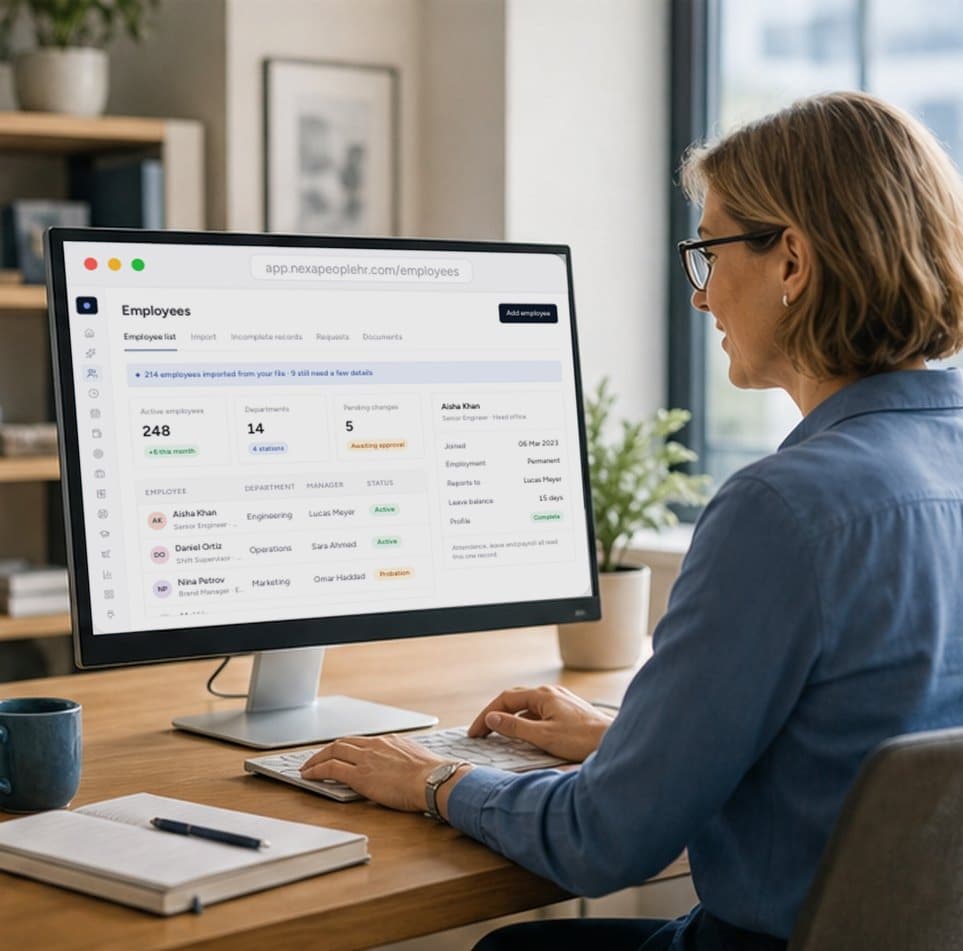
One record for every employee, kept accurate by approved changes and shared by every module.
Start free today
Know who’s trained, and what worked
Plan programs and sessions, track every enrolment to completion, and collect feedback that shows which courses to run again. Start free today.
- 01Programs and sessions
- 02Completion tracking
- 03Feedback on every course
Programs, sessions, trainers, enrolments and feedback, from planning a course to knowing who completed it and what they thought.
Yes. Turn on self-enrolment, and require manager approval if you want a check before someone joins.
Yes. Each enrolment is enrolled, completed or dropped, and the completion date is recorded automatically.
Yes. Keep a register of internal and external trainers with their expertise and contact details.
Employees rate a program or session on a 1–5 or 1–10 scale and add comments. You can make feedback mandatory.